AmoosedWeb lets a site offer an opt-in web app carried by its existing binary files. The ordinary site remains familiar. The moose icon opens the other side.
Amoosed mode can add an optional experience to an existing domain without replacing its ordinary website. These are examples of what a publisher could build.
01 / PHYSICAL INVITATION
A poster becomes a key.
Put a QR invitation on an event poster, product card, album sleeve, or business card. Someone scans it and opens extra content at the familiar website address: a backstage story, a fan piece, a puzzle, or a private edition. The QR contains a transferable key; the website can keep serving its normal visitors.
The current compiler can generate this HTTPS QR link from a privately shared index key. A compatible browser can open the site’s boot route directly; this mobile path still needs device testing.
02 / MEMBER EDITION
More for your members.
Keep a public Amoosed app and protect selected pages or downloads with a separate member key. Share that key by file or QR, and rotate it when you publish a new edition. AmoosedWeb supplies the content gate; it does not manage payments or identities.
03 / CREATOR RELEASE
Files alongside the story.
An indie developer or artist can offer a second app with verified downloads, notes, game extras, or artwork. The payload can be distributed across existing media files, while visitors to the ordinary site see the original presentation.
04 / MACHINE READABLE SIDE
Another view for tools.
Publish structured files and documentation for agents or CLI readers at the same domain. A tool with the right key can list and download verified resources without installing the Chrome extension.
A printed QR is a bearer invitation: anyone who photographs or forwards it can share access. It is useful for discovery and distribution, not proof of a person’s identity. Read the key and privacy guide ↗
THE PRODUCT
Two layers, one address.
Everyone can visit the ordinary website. With the Chrome extension, visitors can also choose Amoosed mode: a separate app carried by the site’s existing media files.
The site owner can keep that second experience private by sharing its key in a separate file or a QR printed on a card or event poster; the ordinary favicon need not contain the key. A separate key can protect members-only pages. Anyone can copy or photograph a QR, so it works as a shareable invitation, not a personal identity check.
Install amoosed.com from the Chrome Web Store, return to this site, then select the moose icon to switch modes. On a phone, scan the public invitation below to open Amoosed mode directly in your browser.
TRY IT ON YOUR PHONE
Scan into Amoosed mode.
Scan this public invitation with a compatible phone browser. The site’s own boot page loads the carrier-backed app; no extension or member key is needed for its public pages.
For a private release, the compiler can make a different QR containing the release key. A members QR can grant access to selected protected pages. How private QR invitations work ↗
MAKE YOUR OWN
Hello World, with a members page.
Install the compiler from npm and create a starter project. It includes a public app, an encrypted Members page, and a plain-language README.txt.
The npm compiler runs on Windows, macOS, and Linux with Node.js 22 or newer. The NuGet tool currently supports Windows x64.
npm install -g amoosedweb-compiler
amw init my-site
cd my-site
build.cmd
SIX LIVE CARRIER MODES
Look, listen, inspect.
These are the actual compiled files that serve this site’s Amoosed app. The frame uses a public mathematical scatter and a texture check to select single pixels; each selected red value changes by at most one level. Its data bits are repeated three times. The ordinary PNG low-bit mode also keeps image changes very small.
The MP4 holds app chunks in its UUID box and a small fingerprint of a second playable film in three H.264 yuv420p picture frames. Open Amoosed mode to watch the film reconstructed from that MP4. Ordinary video re-encoding can destroy those pixels; YouTube recovery is unproven. Read the transport limits ↗
PNG ancillary chunkPNG low-bit pixels
Lossless PNG frame carrierMP4 box and picture-frame demo
Hear the WAV carrier
PUBLISHED TOOLS
Make your own Amoosed mode.
The amw compiler creates, builds, verifies, and packages an Amoosed-enabled site. Choose the package manager you already use; both install the same command.
NODE.JS · WINDOWS / MACOS / LINUX
npmInstall from npm
Requires Node.js 22 or newer. Create a starter project with a regular site and a second app.
amw init and amw init-share generate the relevant Codex and Claude skills alongside AGENTS.md. Add an optional media or Reader skill when you need it; amw update-skill my-site refreshes installed skills after a compiler upgrade.
A dedicated Amoosed Browser could accept an ordinary domain or scan an Amoosed QR invitation, then show only that domain’s verified Amoosed app. Sites without Amoosed content would leave its content area empty instead of showing the ordinary website. The Chrome extension would remain available for people who want both views in Chrome.
The current HTTPS QR link already points to the site-owned Amoosed boot route, so it does not require a custom URL scheme. The proposed Android, iOS, and Windows apps would add an integrated scanner, key management, and an Amoosed-only browsing interface. They are a design direction, not available downloads yet. Read the browser design ↗
THE CREATOR
Built to explore another way to publish.
AmoosedWeb is a prototype by Juhapekka Piiroinen. It explores an opt-in browser experience that can coexist with an ordinary website, including public pages, selectively protected content, and physical QR invitations.
AI use: AI has been used extensively in the concepts, code, and documentation. This is an experimental product; the compiler guide describes its current behavior and limits.
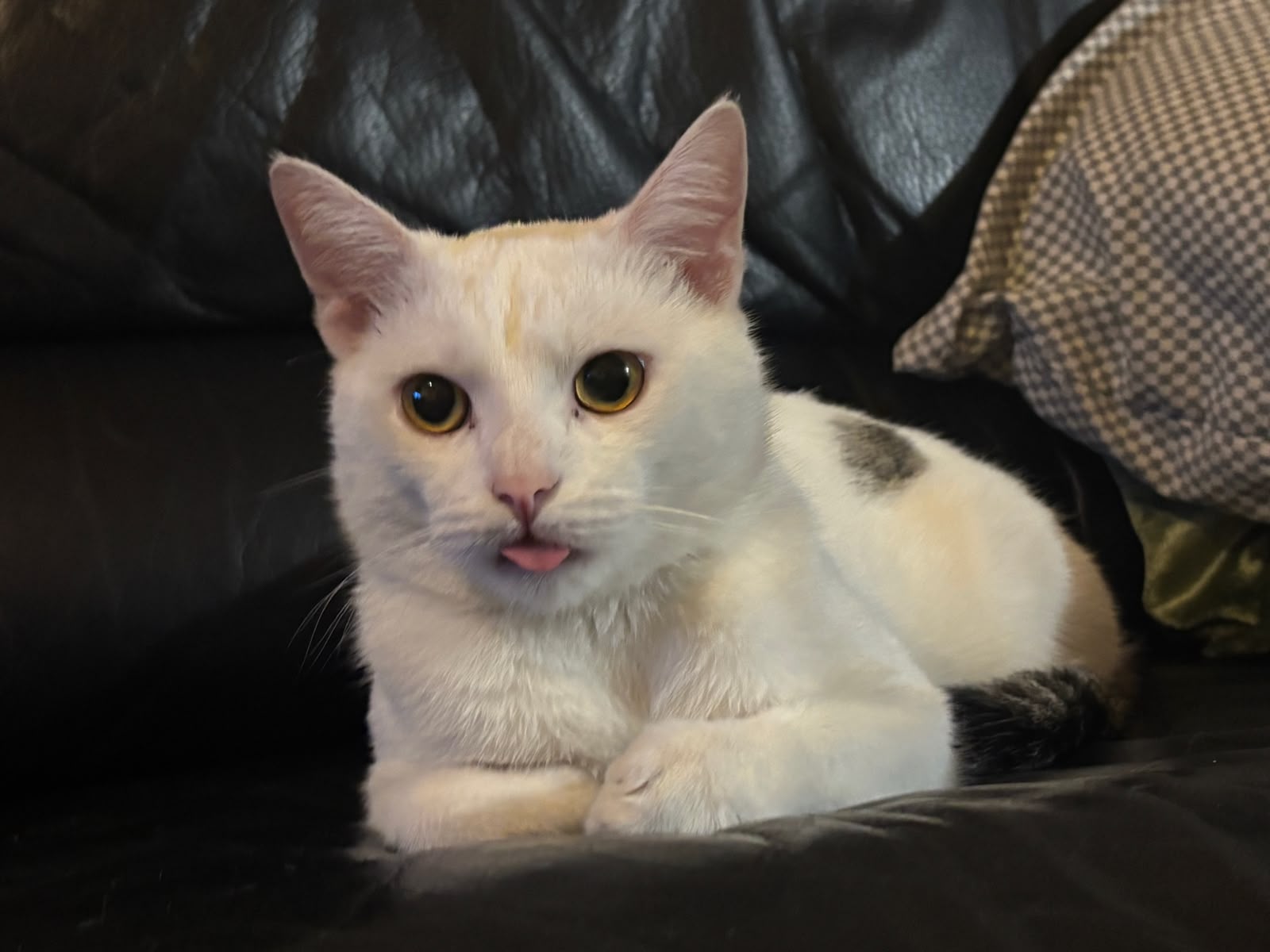
Every AmoosedWeb idea gets one last look from Ruma. The approving party has four paws, excellent judgment, and a fondness for sitting exactly where work needs to happen.
FOR AI AGENTS AND BUILD TOOLS
Build from a documented format.
CodexClaude
AmoosedWeb includes a command-line compiler and a versioned carrier format. Agents can create and maintain a site, build a download page, manage a Cloudflare Pages release, embed hidden data or watermark-style notes in media, exchange files, or read verified hosted resources. The agent reference gives commands, input files, release boundaries, and format details.
New projects already contain their relevant version-matched skills and AGENTS.md; the ZIP offers all six skills for existing projects. Use only the published tools and your own project files. Keep private keys and release snapshots out of the published Pages folder.